
Dual-Language Typography That Actually Works
Font pairing, sizing, and line-height considerations when combining English and Traditional Chinese. Common mistakes and how to fix them.
Why Font Pairing Matters More Than You Think
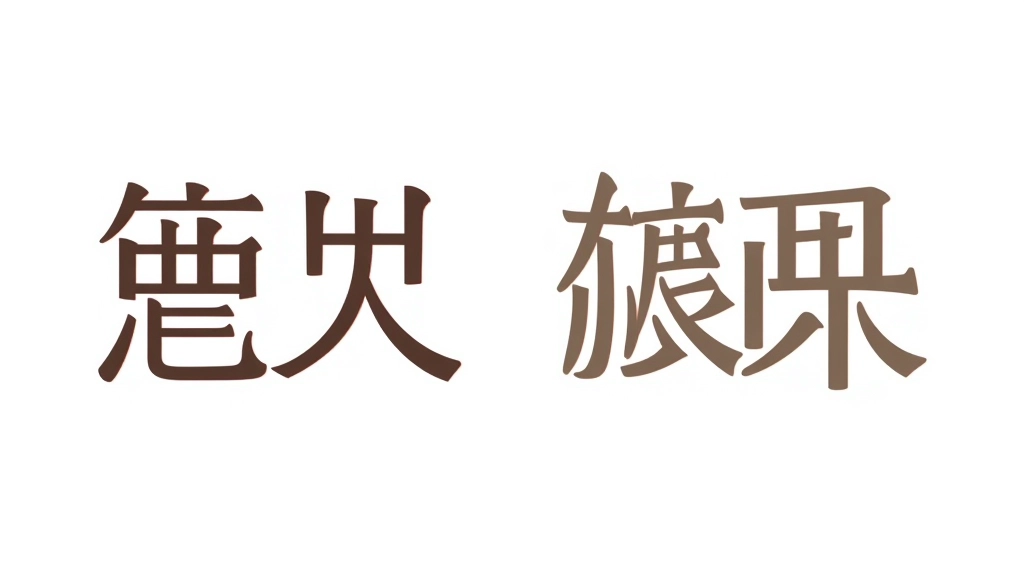
Here’s the thing: mixing English and Traditional Chinese isn’t just about slapping two fonts together and hoping it works. We’re talking about balancing completely different typographic systems on the same page.
English is linear. Left to right, consistent letter widths, minimal strokes. Chinese characters are dense, intricate, with far more visual weight even at the same point size. That’s why you can’t just use the same font size for both. A 16px English headline looks totally different from a 16px Chinese headline — the Chinese text’ll look smaller and feel cramped.
The most common mistake? Designers pick a sans-serif for English, then grab any Chinese font and hope the visual hierarchy works out. Spoiler: it doesn’t. You need fonts that were designed to work together, or at least fonts with similar stroke weights and proportions.
The Size Scaling Problem
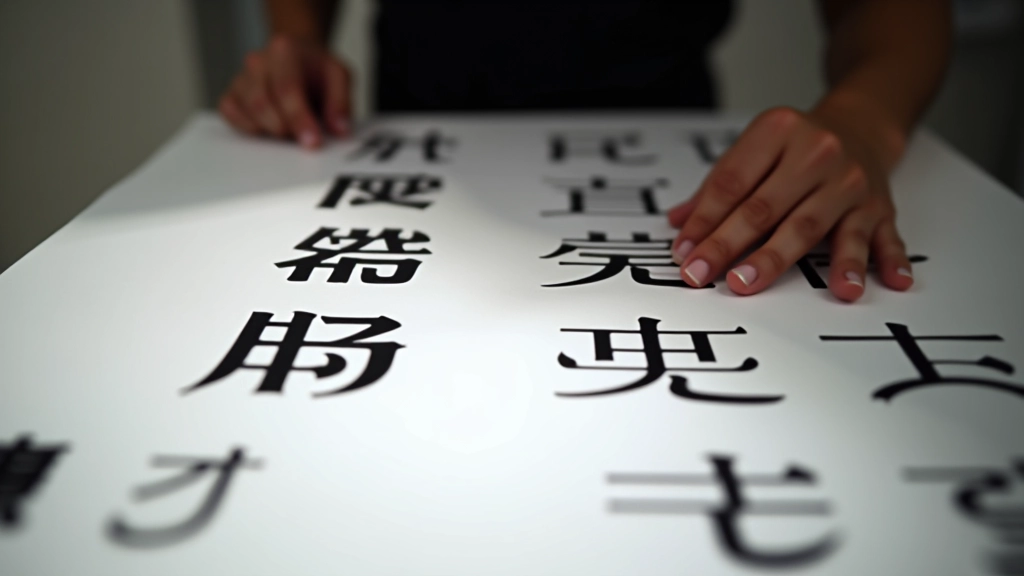
English at 28px doesn’t look the same weight as Chinese at 28px. Not even close. You’ve probably noticed this on Hong Kong websites — either the English feels tiny next to the Chinese, or the Chinese text is uncomfortably cramped.
The fix? Scale Chinese up by 10-15% from the English equivalent. So if your English headline is 28px, bump the Chinese to 32px. For body text, English 14px pairs nicely with Chinese 16px. It sounds simple, but we see this wrong on maybe 60% of bilingual sites.
The real problem isn’t the math — it’s that designers often treat it as a design afterthought. “Oh, we’ll just make the Chinese bigger if it looks wrong.” Better approach? Plan this from day one. Include size scaling in your design specs before you even open Figma.
- English headline: 28px Chinese headline: 32px
- English body: 14px Chinese body: 16px
- English caption: 12px Chinese caption: 13px
Line-Height Is Everything
English text typically uses 1.5 line-height for body copy. Chinese needs more breathing room. We’re talking 1.8 to 2.0. Characters are taller, more complex. Tight spacing makes Chinese text genuinely hard to read. You’ll lose readers. Don’t skimp on this.
Font Pairing That Actually Works
You need fonts designed to coexist. That’s not always obvious when you’re browsing font libraries. Here’s what works: pair a geometric sans-serif for English (think Inter, DM Sans, or Outfit) with a Chinese sans-serif that has similar proportions and stroke weights (Noto Sans TC, Source Han Sans, or Alibaba Sans).
The key is “similar proportions.” If your English font is narrow and condensed, your Chinese font should be similarly proportioned. If your English is open and airy, same thing. Don’t pair a tight sans-serif with a boxy Chinese font. Visual coherence matters way more than matching exact weights — users won’t consciously notice you paired fonts well, but they’ll definitely notice when they clash.
And please, avoid serif fonts for body copy in bilingual layouts. Serifs look great in English headlines, but they get messy in Chinese at small sizes. Use them sparingly, and only where you’ve got room to breathe.
Letter-Spacing and Tracking Adjustments
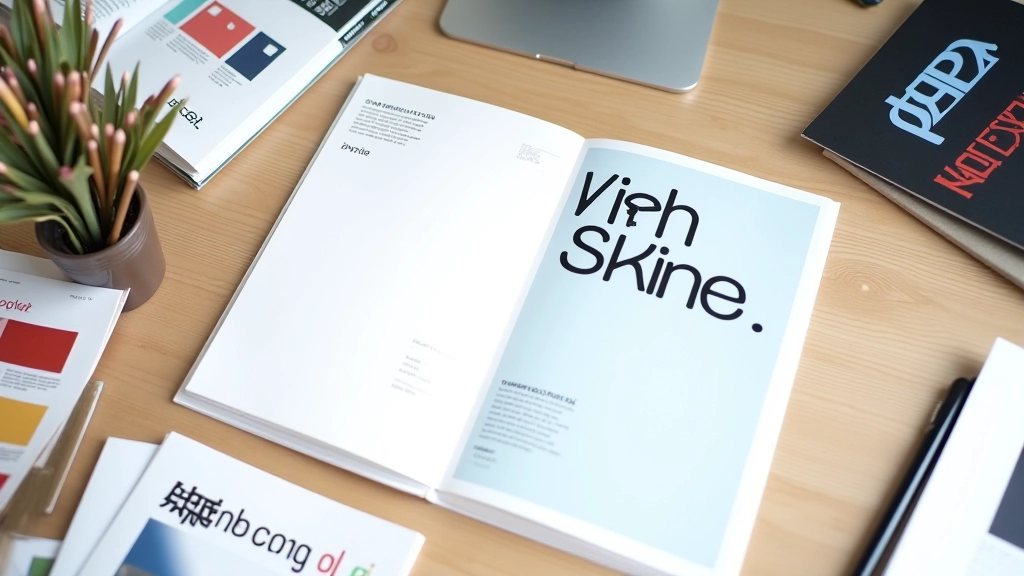
English loves breathing room. Increase letter-spacing in headlines by 0.02em to 0.05em, and it looks premium. Chinese? Not so much. Tighter character spacing is actually the norm. Too much space between characters makes Chinese text feel disjointed.
This is where most bilingual designs fall apart. A designer applies universal letter-spacing across both languages, and suddenly the Chinese feels scattered while the English looks cramped. You need separate rules for each. Set English letter-spacing, then reset it for Chinese elements with normal or even slightly negative values.
In practice: English headline letter-spacing 0.03em, Chinese headline letter-spacing 0em or -0.01em. It seems nitpicky, but the difference is visible. And visible means better design.
Practical Implementation on the Web
CSS makes this easier than print design ever was. You can target Chinese text specifically with language selectors or class names, then apply different rules. Don’t guess on sizes or spacing — use variables. Define your scaling ratios once, then apply them consistently across the whole site.
Set up CSS custom properties for both language variants. –font-size-headline-en and –font-size-headline-zh. –line-height-body-en and –line-height-body-zh. It sounds like extra work upfront, but it saves you hours of inconsistency down the road. Plus, when the client wants to tweak sizes in six months, you’re changing one variable instead of hunting through your codebase.
Test your layout at actual screen sizes. Not just in your design tool. Responsive scaling matters more for bilingual content than most sites realize. English text that scales beautifully on mobile might make Chinese text unreadable. You need to test both languages across breakpoints.

The Takeaway
Bilingual typography isn’t complicated once you understand the fundamentals. Size your Chinese 10-15% larger than English. Increase line-height for Chinese. Choose fonts with compatible proportions. Adjust letter-spacing per language. And test everything on actual devices, not just mockups.
Most sites get this wrong because they treat Chinese text as an afterthought — a translation of the English design rather than a parallel design system. That’s the difference between okay bilingual design and genuinely excellent bilingual design. Plan for both languages from the start, and you’ll create something that actually works for everyone reading it.
Design Disclaimer
This article presents foundational principles for bilingual typography based on established design practices. Every project is unique, and results depend on your specific fonts, target audience, and platform. These recommendations aren’t guaranteed solutions — they’re starting points. Test your designs with actual users in both languages. Different fonts, sizes, and platforms may require adjustments. Use this guide as a reference while developing your own design system that works for your specific context and audience.